Account Settings:
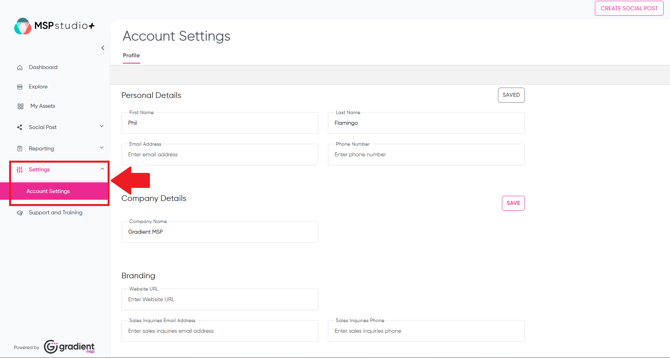
- Navigate to Settings > Account Settings to access the Account Settings page.
- You can add your personal details, as well as your company name at the top. The company name as listed here is used in some of the Assets available for your use.
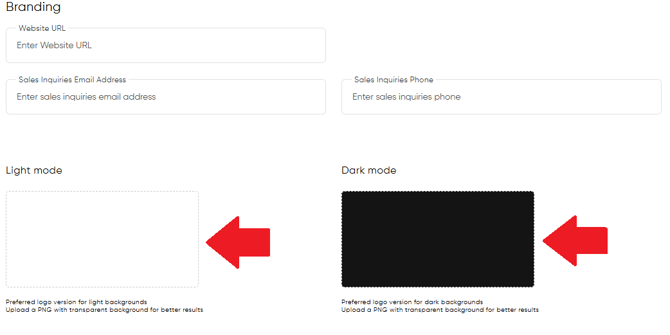
Branding:
- You can edit your brand details and upload light and dark mode logos here. To do so, simply select the Light Mode and/or Dark Mode box and then choose the Logo image file from your device.