
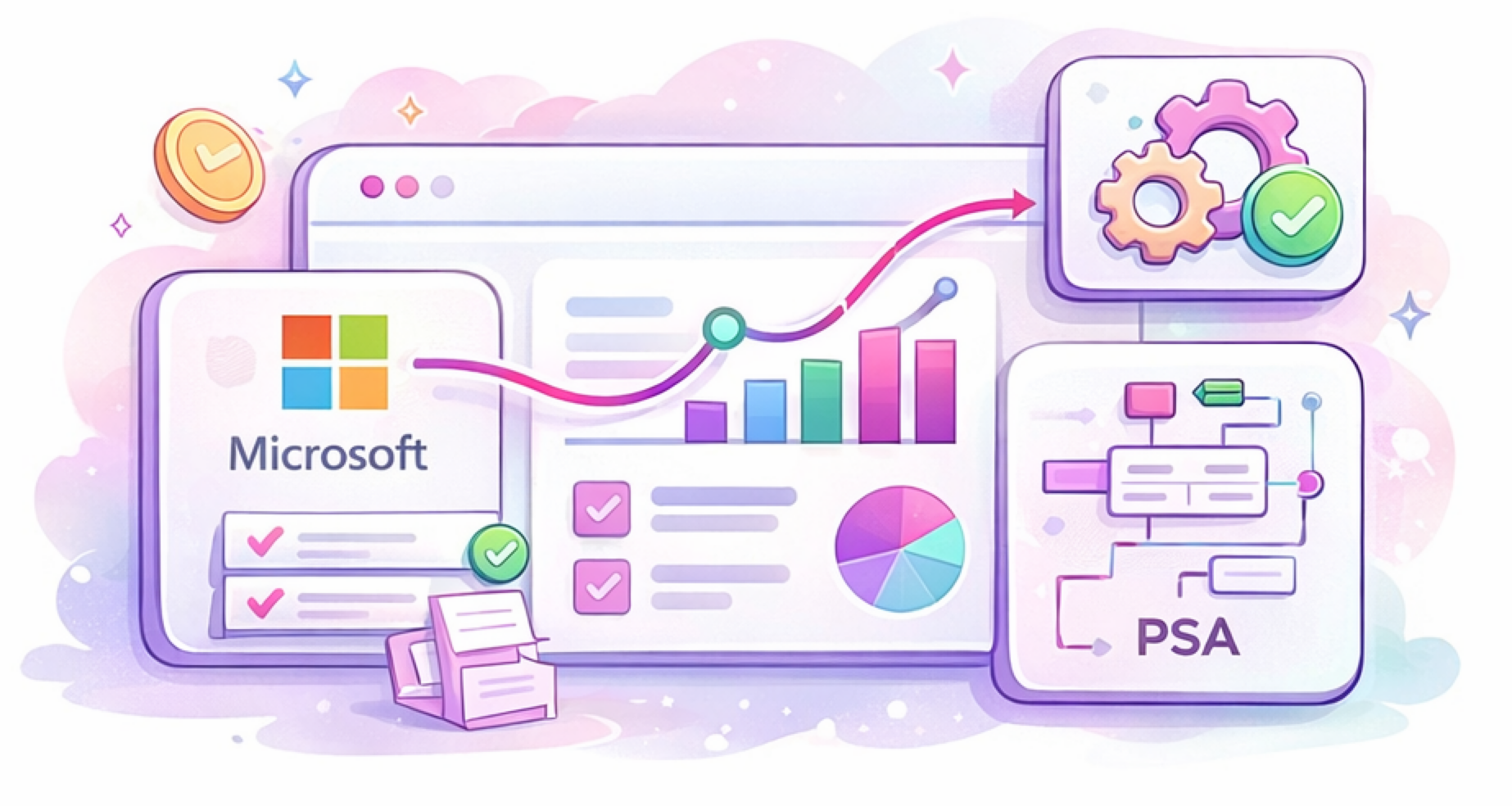
The Microsoft Integration connects your Microsoft licensing data, distributor data, and PSA contracts into a single workflow so you can see changes, understand impact, and control what gets updated.
It is designed to remove guesswork from Microsoft billing and reconciliation, especially under New Commerce Experience (NCE).
The Short Version
The Microsoft Integration helps you:
-
See Microsoft subscription changes clearly
-
Understand how those changes affect your PSA contracts
-
Control when and how billing updates are applied
-
Reduce billing errors, missed revenue, and manual cleanup
It turns Microsoft licensing from a reactive process into a manageable one.
What Data the Integration Connects
The integration brings together three systems:
-
Microsoft
Subscription, GDAP, assignment and user meta data
-
Distributor
Cost, subscription, and GDAP validation
-
Your PSA
Contracts, services, quantities, cost, and price details
By aligning these sources, Gradient can show you where things match, where they don’t, and what action is required.
What Problems This Solves
1. Visibility Into Microsoft Changes
Microsoft subscriptions change frequently:
-
Licenses are added or removed
-
Commitments renew or expire
-
Customers move between monthly and annual terms
- Costs increase automatically on annual renewals
- User assignment changes
The integration detects these changes and presents them in a structured, reviewable way instead of leaving you to discover them after billing issues appear.
2. Clear Impact on PSA Billing
The integration shows:
-
How Microsoft usage compares to PSA quantities
-
Where costs differ from what is stored in the PSA
-
How pricing and margin are affected
This makes it obvious when something needs attention and why.
3. Control Over Approvals
Not every change should be applied automatically.
The Microsoft Integration allows you to:
-
Review changes before they are updated to your PSA
-
Auto-approve safe, predictable updates
-
Flag items that need human review
-
Enforce minimum margin rules
You decide what gets automated and what stays manual.
4. Support for Complex Real-World Scenarios
Microsoft licensing does not always map cleanly to PSA contracts.
Common realities include:
-
Multiple subscriptions rolling up to one service
-
One SKU split across multiple contract lines
-
Historical contract structures that no longer match usage
The integration is built to expose this complexity, not hide it, so you can make informed decisions instead of blind updates.
5. A Work Queue for Microsoft Billing
The Microsoft Reconciliation module introduces a focused workflow:
-
Items that need action are surfaced clearly
-
Items that do not require changes stay out of the way
-
Grouping and filtering help you review data in meaningful ways
This reduces the mental load of “what do I need to deal with right now”.
What the Integration Does Not Do
To set expectations clearly, the Microsoft Integration does not:
-
Automatically change your PSA without visibility
-
Guess how you want contracts structured
-
Replace your PSA as the system of record
-
Eliminate the need for review in complex cases
It is built to support decision-making, not bypass it.
When This Integration Is Most Valuable
You will get the most value if:
-
You manage Microsoft NCE subscriptions
-
You care about accurate billing and margins
-
You want fewer billing surprises
-
You want to spend less time reconciling spreadsheets
-
You want confidence that Microsoft and PSA data are aligned
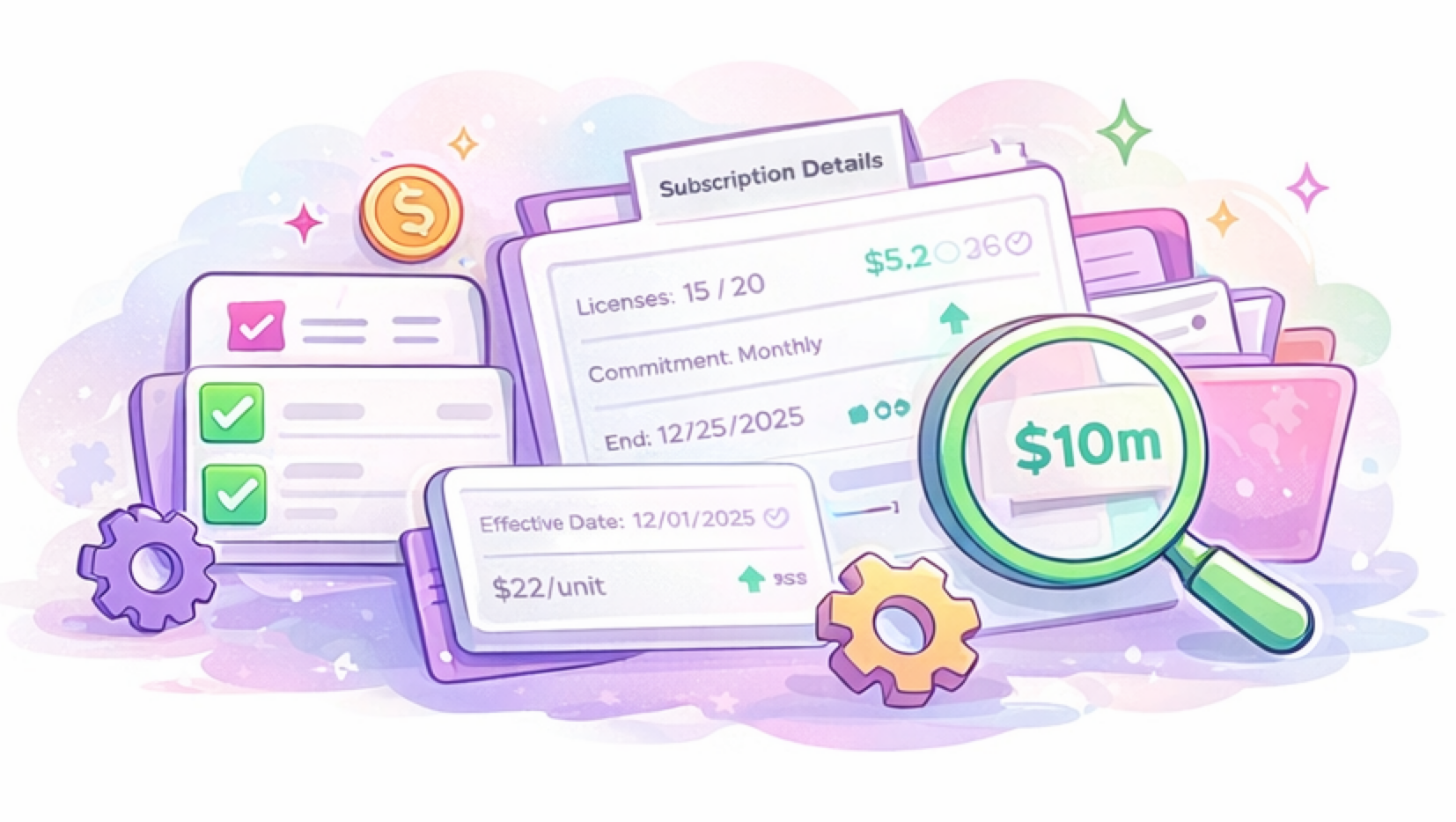
If Microsoft billing currently feels fragile or time-consuming, this integration is meant to stabilize it.